Building a Living AR Energy Network
A practical breakdown of designing a lightweight particle and plexus system that feels like a living AR tracking network.
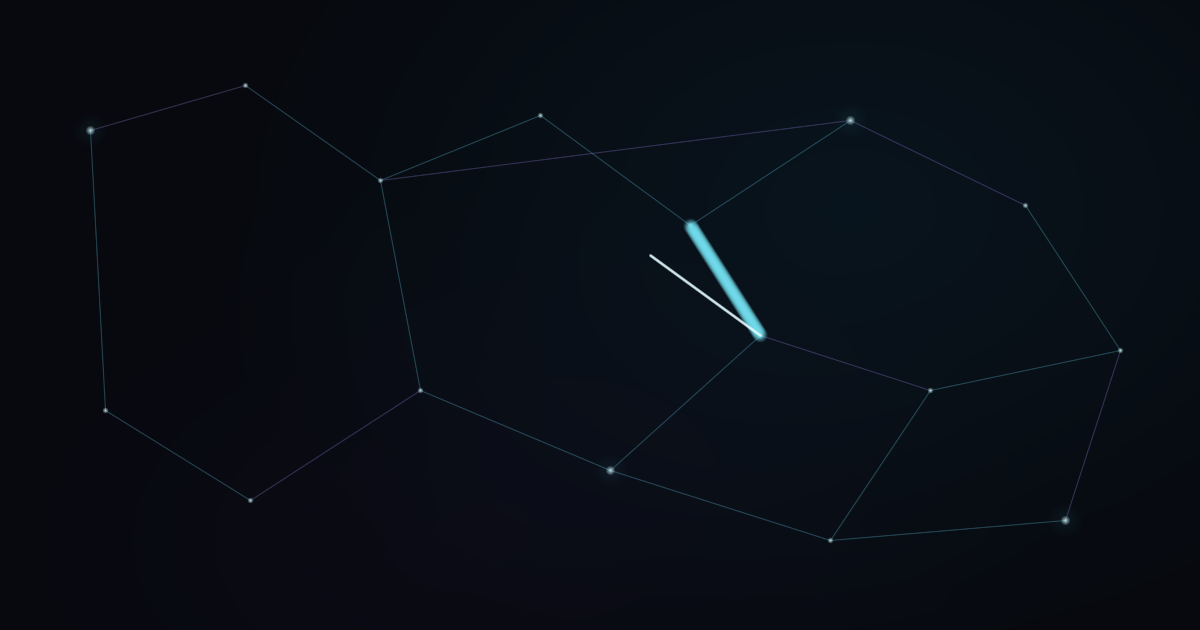
Interactive visuals feel more convincing when movement appears to travel through a system instead of happening everywhere at once. For the hero background on this portfolio, the goal was to suggest AR tracking points, VFX nodes, and energy flow without turning the page into a distracting technical demo.
Start with a visual hierarchy#
A useful network has more than one kind of information. I separated the visual system into four layers:
- A dark atmospheric field that establishes depth.
- Slow tracking points with different depth values.
- Connections that appear only when points are close enough.
- Occasional pulses that travel along selected connections.
The animation should support the creator name, not compete with it.
Keep particle motion restrained#
Each point stores position, velocity, depth, radius, and a phase offset. Depth affects speed and size, creating parallax without a 3D library.
const point = {
  x: Math.random() * width,
  y: Math.random() * height,
  vx: (Math.random() - 0.5) * 0.1,
  vy: (Math.random() - 0.5) * 0.08,
  depth: 0.35 + Math.random() * 0.65,
  phase: Math.random() * Math.PI * 2,
}
The important part is not the amount of motion. It is the relationship between motion, depth, and time. A small phase variation prevents the network from moving like one rigid layer.
Let energy travel through connections#
The base lines remain quiet. A pulse selects one valid connection, interpolates between its endpoints, and draws only a short glowing tail.
const progress = (time - pulse.startedAt) / pulse.duration
const eased = progress * progress * (3 - 2 * progress)

const x = from.x + (to.x - from.x) * eased
const y = from.y + (to.y - from.y) * eased
This gives the impression that information is moving through the network. Limiting the number of simultaneous pulses keeps the system cinematic rather than chaotic.
Performance rules#
- Scale point count from the canvas area and cap it on mobile.
- Limit device pixel ratio instead of rendering at an unnecessarily large resolution.
- Pause the animation when the canvas leaves the viewport.
- Render a static frame when
prefers-reduced-motionis enabled.
The final effect is still a lightweight Canvas 2D animation. The premium feeling comes from timing, hierarchy, and restraint, not from a heavy rendering dependency.